 CoverA clean backdrop, on demand.
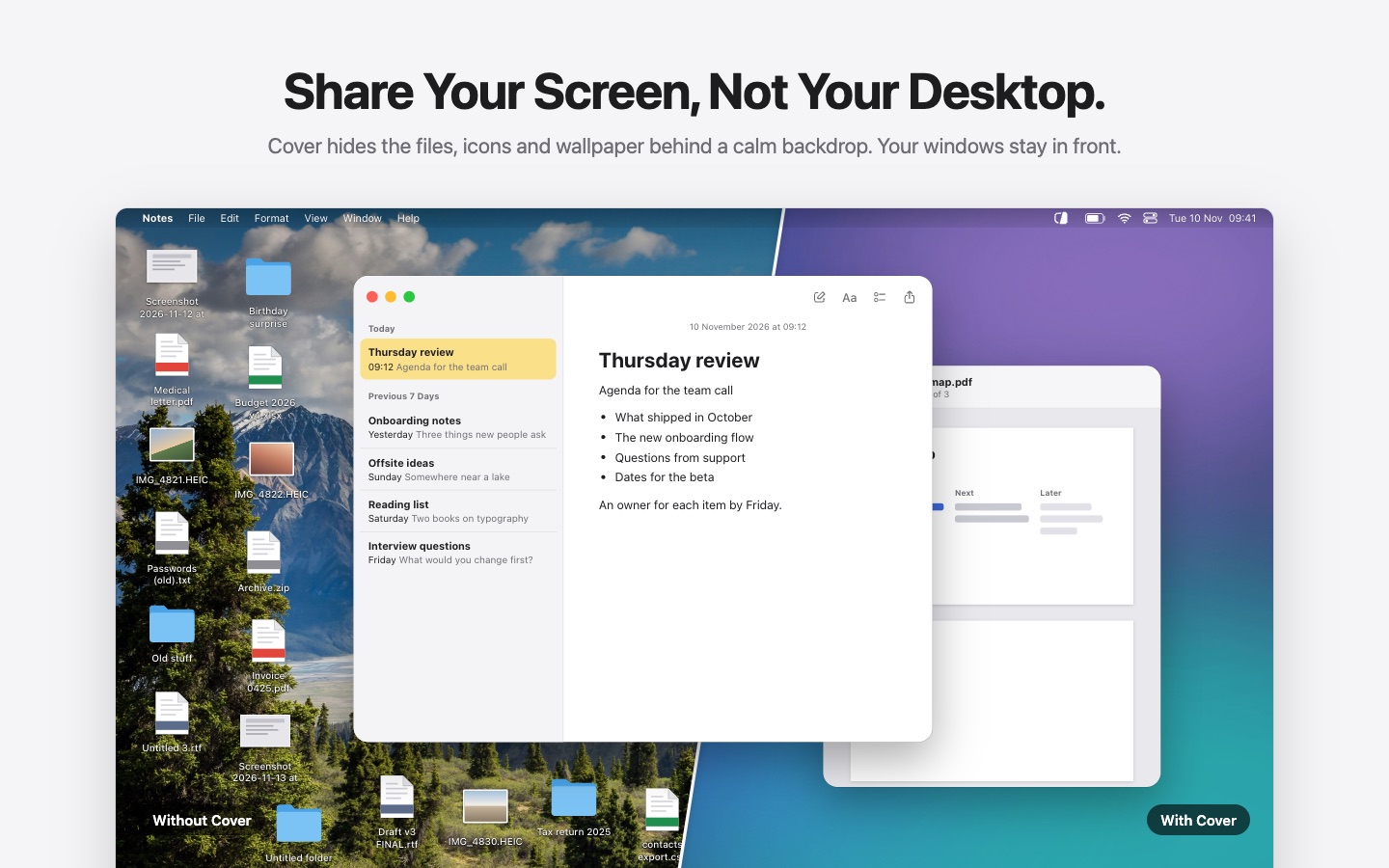
Share your screen, not your Desktop.
Cover is a menu bar app that hides the files, icons and wallpaper behind a calm backdrop. Your windows stay in front.
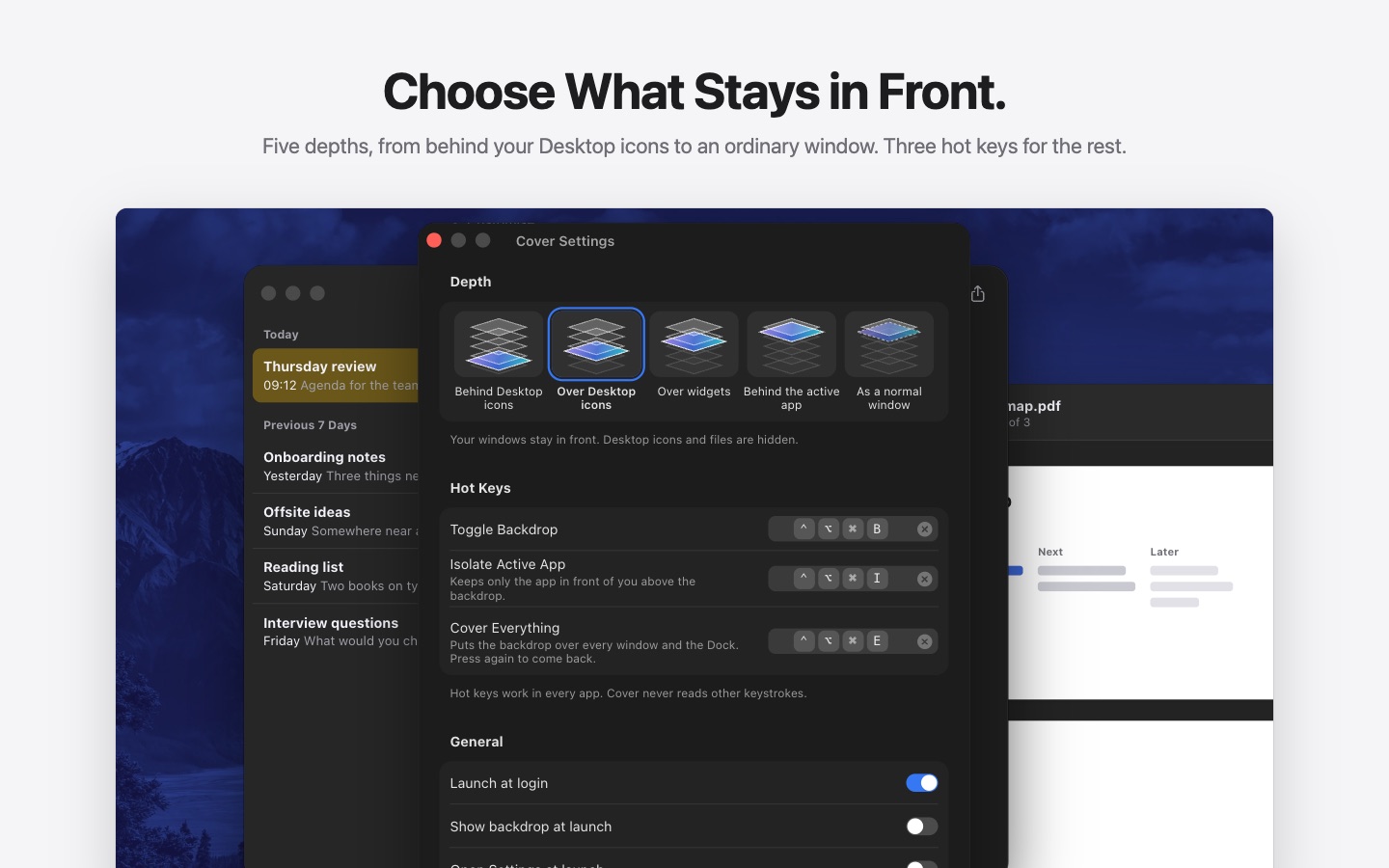
Hot keys
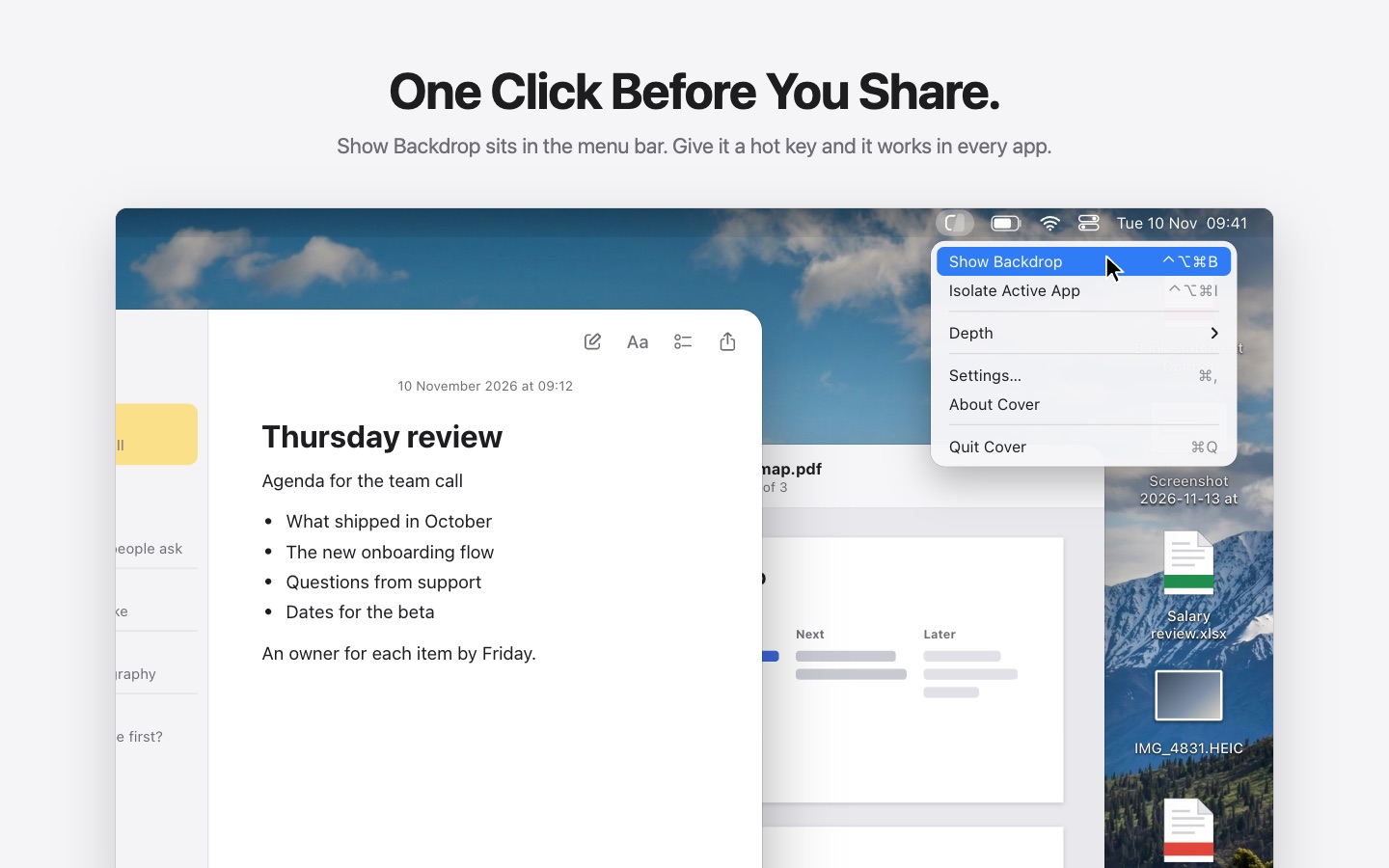
One key before you share.
Record a key for each in Settings. They work in every app, on every display.
Toggle Backdrop
⌃⌥⌘BHides the icons, files and wallpaper. Press it again when you’re done.
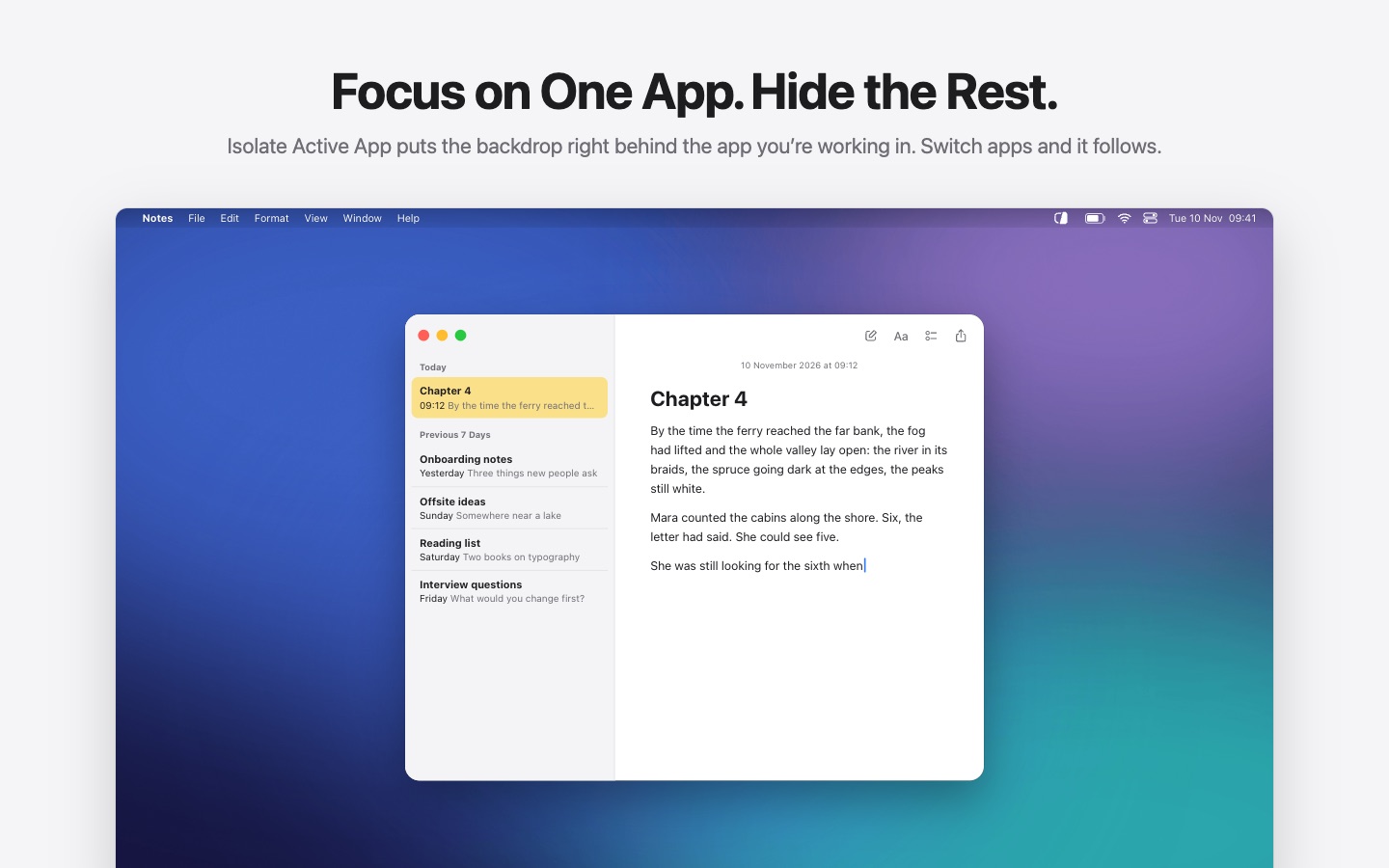
Isolate Active App
⌃⌥⌘IKeeps only the app you’re in above the backdrop, and follows you when you switch.
Cover Everything
⌃⌥⌘EPuts the backdrop over every window and the Dock. Press it again to come back.
Backdrop
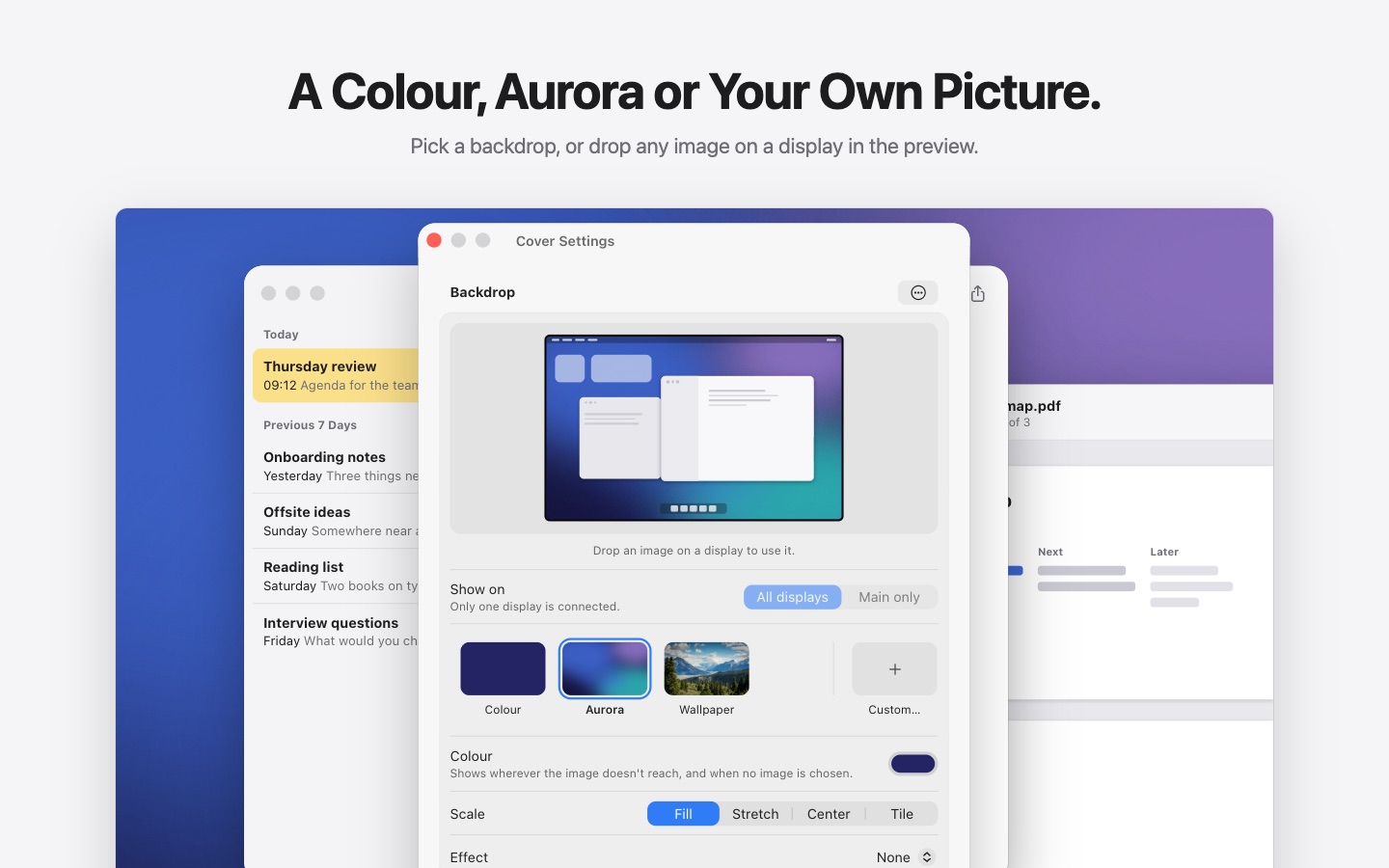
Choose what it shows.
A color, Aurora, your wallpaper or any picture you drop on the preview. Your ten most recent images stay one click away.

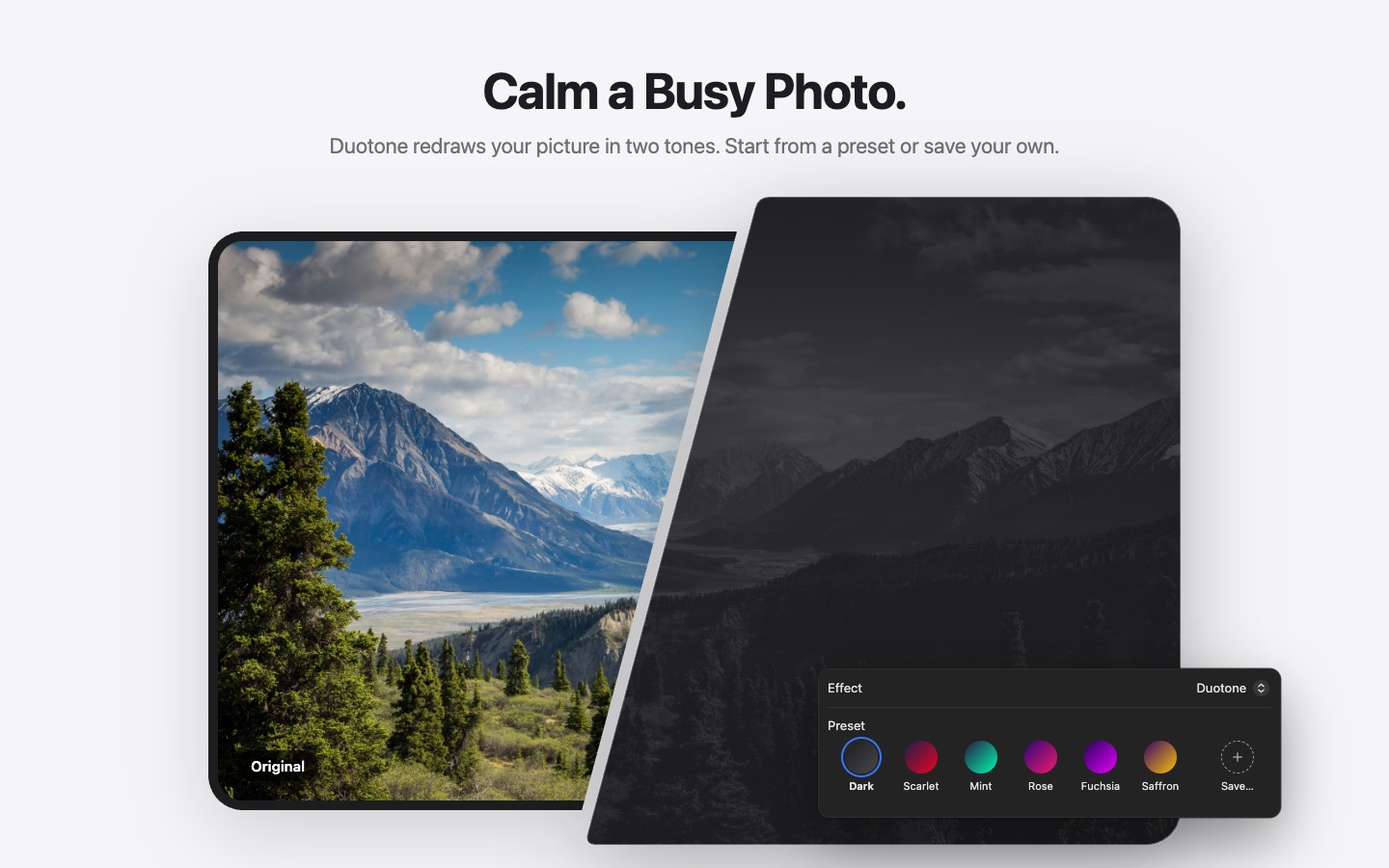
Duotone
Calm a busy photo.
Duotone redraws your picture in two tones. Start from a preset or save your own.
Depth
Choose what stays in front.
Five depths, from behind your Desktop icons to an ordinary window.
Everyday
Out of your way, in the menu bar.
Or in the Dock
Prefer the Dock? Cover moves there with the same menu.
Control-click the backdrop
The same menu, wherever you are on the screen.
Shortcuts actions
Show, hide, isolate and cover everything from your own shortcuts.
At login, if you want
Start Cover at login and show the backdrop at launch.
Cover collects nothing and never goes online.
Your images and your wallpaper stay on your Mac, and Cover listens only for the hot keys you record.
The real screens.
The six pictures from the Mac App Store listing.